
I have $0 for a music video
A zero-dollar plan for your music video: a phone, a window, one friend and a free editor. About six hours start to finish.
The steps
- 01
Choose one room and one friend 20 min
Choose the room with the biggest window and the least clutter. Ask one friend to film, and offer a trade you can afford, such as an afternoon of your help on their project. Get a text from them saying they are fine appearing in it. Skip a second location.
- 02
Set up light and playback 20 min
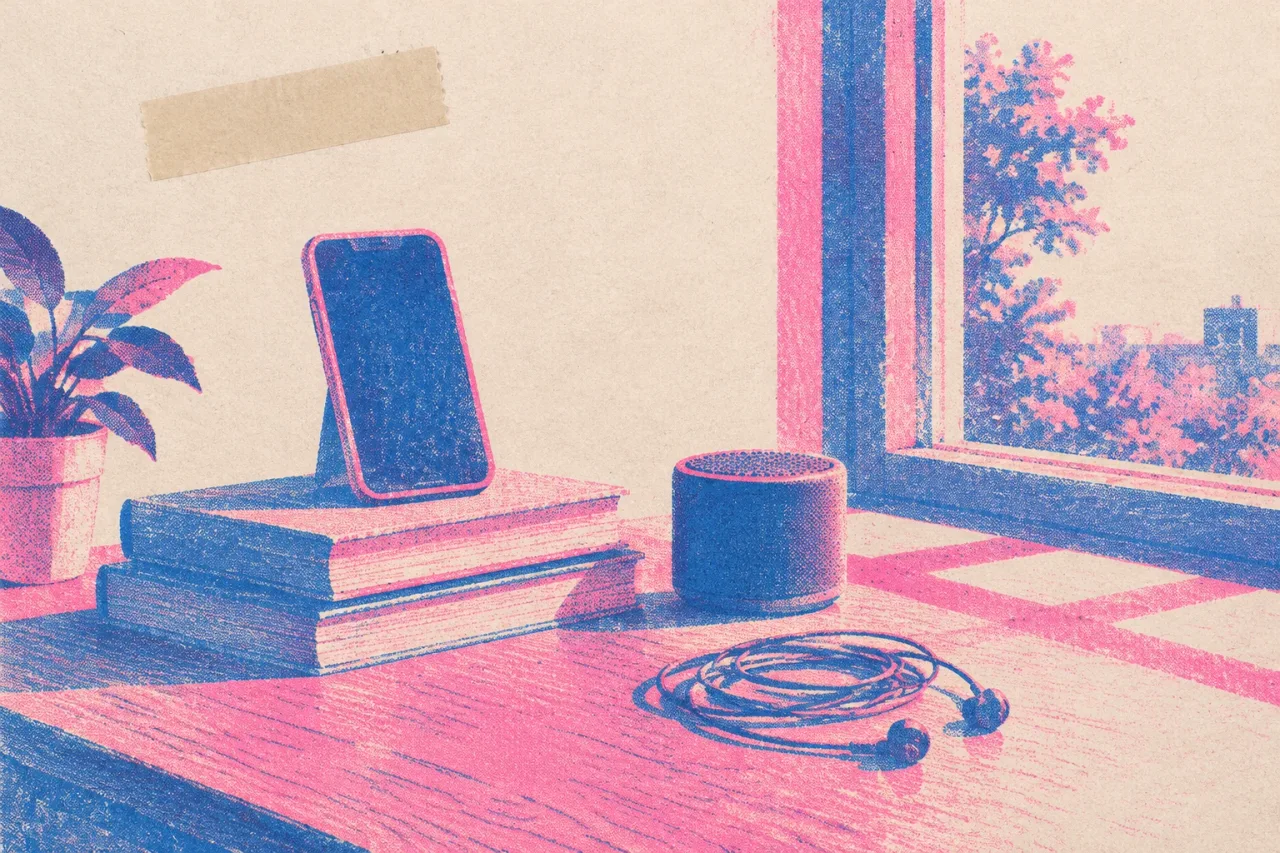
Stand with the window at your side and shoot in daytime. Prop the phone upright on a stack of books at chest height. Play the song from a speaker so you can sing along, then replace that audio with the clean file later. Skip the ring light.
- 03
Shoot three setups 90 min
Shoot the chorus first, while your voice is fresh. Film three setups: wide, waist-up and close on the face. Do three full takes of the song at each, camera rolling. Then film one slow 15-second shot of a hand, a curtain or the window, with no singing, for your Canvas.
- 04
Cut it in a free editor 120 min
Open CapCut on its free plan, or DaVinci Resolve, a free download for Mac, Windows and Linux. Lay the clean song down first. Line each clip up to it by ear, mute the speaker sound, and cut to a new setup every couple of lines. Skip effects and transitions. Export at 9:16.
- 05
Make a Canvas from the slow shot 20 min
Trim the slow shot to 6 seconds, which sits inside Spotify's 3 to 8 second range. Keep it vertical 9:16 and export as MP4. Choose a calm moment without singing or quick cuts, which Spotify advises against. Skip text overlays.
- 06
Make a lyric video in Canva 90 min
Open Canva's free plan and pick a vertical video template. Paste the lyrics, one line per page, and set each to last as long as it is sung. Use only free elements, so the export carries no watermark. Add your song and export as MP4. Skip paid elements and fancy animation.
When it goes wrong
The window is behind you
If the window is behind you, your face goes dark. Turn so the window is at your side, or face it. Check one test clip on the phone before you start the real takes.
Lips look late
Lips can look late against the clean song. Nudge each clip until it matches by ear, and check the last chorus as well as the first.
You want to buy gear
A tripod and lights can wait. Books or a shelf hold the phone steady, and daylight is free. Wait until the video is out, then buy only what you missed.
Someone else's face in the frame
Get a text OK from anyone on camera, and keep other people's faces and logos out of the frame. This is not legal advice.
Why this order works
Everything after the shoot depends on the footage, so the shoot gets the most care. One room, one window and three setups means you can finish before your energy drops. Chorus first, because that is the part you will reuse most and your voice is freshest early.
The slow Canvas shot is filmed on the same afternoon, so you set up once. The edit comes before the lyric video because a finished main video matters more than a finished extra. If the window light looks flat, the guide to lighting a phone video with a window and one lamp adds a single lamp.
What to leave for another day
Leave a second location, a costume change and a story with a plot. One room with steady framing looks chosen. Leave paid templates, paid elements and effects, since free elements keep the Canva export clean.
If you want to go deeper on the loop, read how to make a Spotify Canvas loop from footage you already have. If you want tighter lyric timing, timing a lyric video line by line takes about two hours and can wait until after release day.
Tools that help
 CapCut Cutting a phone shoot together and adding captions A free editor on phone, desktop and web, with auto captions and beat-synced edits. Free plan Editing
 DaVinci Resolve A careful edit and a proper colour grade on a computer A free professional editor with colour grading and audio tools, for Mac, Windows and Linux. Free plan Editing
 Canva Lyric videos and artwork loops that match your cover A design tool with a video editor, captions, beat sync and templates in social sizes. Free plan Lyric videos
Related
 Under $50Low effort45 min
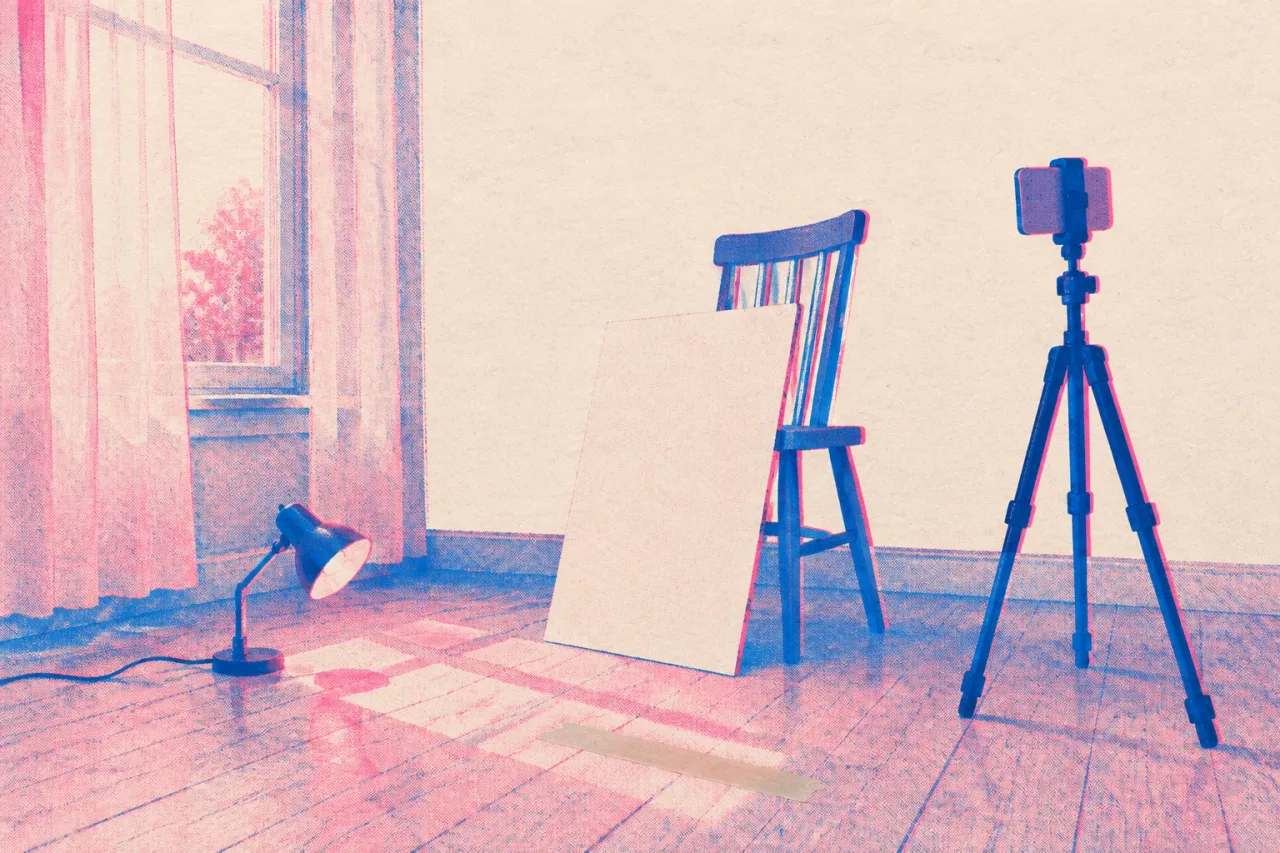
Light a phone music video with a window and one lamp
A 45-minute lighting setup for a phone music video: window light, a white bounce, one cheap lamp, and locked exposure. Zero budgetLow effort30 min
Make a Spotify Canvas loop from footage you already have
Turn a clip from your camera roll into an 8 second Spotify Canvas that loops. Specs, steps and fixes, in about 30 minutes. Zero budgetSome effort120 min
Time a lyric video line by line in about two hours
A free, step-by-step way to time lyrics to your final master, fix each line by hand, and check it on a phone before release day.Frequently asked questions
Can I really make a music video for $0?
Yes, if you already own a phone and can borrow a window and a friend. The plan here takes about six hours and uses free plans or free downloads. Light and performance matter more than gear.
Which free editor should I use for my music video?
CapCut has a free plan with basic editing tools and runs on web, desktop and mobile. DaVinci Resolve is a free download for Mac, Windows and Linux, and the free version exports up to 3840 x 2160 at up to 60 fps. Pick the one you can open today.
What if I don't want to be on camera?
You can film a friend singing along, or shoot hands, the window and objects in the room and cut them to the song. The plan and the free editor stay the same. Our guide on [making a music video without being on camera](/guides/make-a-music-video-without-being-on-camera) goes further.
Will the free Canva lyric video have a watermark?
Not if you stay on free elements. Canva's free plan exports carry no watermark as long as every element you use is free. Check each template piece before you export.