Under $50 AI music videos Some effort120 min
Make a music video without being on camera
A plan for a song video with no face on screen: phone footage first, then lyric, visualizer, stock and AI options, all under $50.


What is the easiest way to make a video without showing your face?
Film your hands, objects and places on your phone and cut them to the song. It costs nothing and takes about two hours for a 3 minute track. Pick one object that fits the lyric, a guitar, a kettle, a rain-streaked window, and shoot it in six or seven spots. The rest of this page lists other options in order, cheapest first: a lyric video, a visualizer, stock footage, then an AI performance video. Pick one route and finish it. Three half-made videos are worth less than one done.
What do you need before you start?
You need a phone, the finished song file and a free editor. Gather these first:
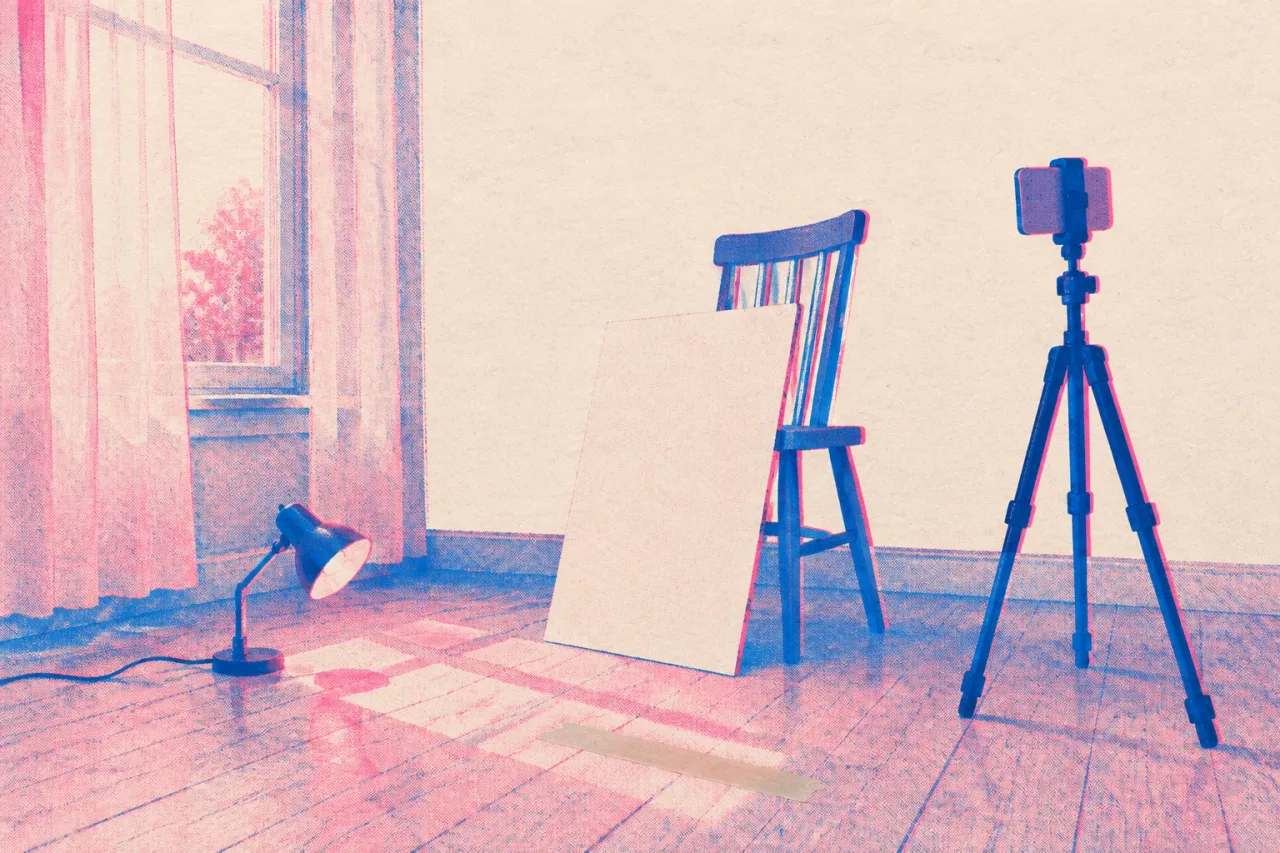
- A phone with a clean lens, set to vertical 9:16
- Something to prop it on, such as a stack of books
- Daylight from a window, or one lamp
- Three to five objects tied to your lyrics
- A free editor: CapCut has a free plan, and DaVinci Resolve is a free download for desktop
Print or write out the lyrics and mark the chorus. If another person or a private place will appear, get a simple written OK first. This is not legal advice.
What are the steps for a phone-only video?
Shoot the chorus first, then everything else. Follow this order:
- Listen once and write one image per chorus line, five to eight in total.
- Shoot those images first, three takes each, about 10 seconds per take.
- Shoot verse images in a different room or outdoors, same method.
- Film 20 seconds of something quiet for the intro and ending.
- Import the song into your editor and lay it down before any footage.
- Drop in your best takes and hold each shot 2 to 4 seconds. CapCut has beat-synced editing if you want help landing cuts.
- Export vertical.
Budget two hours in total. Shooting takes about 60 minutes, editing the rest.
Can a lyric video or a visualizer replace footage?
Yes, and both fit inside a free plan. For a lyric video, Canva’s free plan generates captions in one click, and exports as MP4 with no watermark if you stick to free elements. Kapwing’s free plan adds a watermark and caps at 720p. Sung words get misheard by auto captions, so read every line against your lyric sheet.
For a visualizer, Muzie makes free 3D music visualizers. You can also lay your cover art over the song in an editor and let the cuts follow the beat. Neither option needs you to film anything.
Is stock footage worth paying for?
It is worth it if you have no time to shoot and want something that looks finished. Rotor Videos edits real licensed footage to your track. A music video costs 3 credits and a Spotify Canvas costs 1. One credit is $9.99, and a five-credit pack is $44.99, which covers both with a credit left over. Credits do not expire, and you can preview as many times as you like before downloading. The footage was not shot for your song, so it will match the mood more than the words. Canvas loops run 3 to 8 seconds, vertical 9:16.
What about an AI performance video from a photo?
It can work, but generated footage looks generated, and viewers will notice. Muzie turns one photo and your song into a video of that person singing, lip-synced and cut to the lyrics. Use a photo of someone who agreed in writing, or a character or a drawing, where the artificial look fits. A lip sync mode makes one close-up shot instead of several scenes. It outputs portrait 9:16 by default. New accounts get a few free tokens. Standard is $24.99 a month with a small watermark, and one-off token packs start at $29.99.
What goes wrong, and how do you make it easier next time?
Most videos stall because the shoot runs long, so stop early. If your energy fades after the chorus images, loop them against the song and ship a 60 second cut for Shorts, which can run up to 3 minutes and are vertical. Common mistakes are shooting verse images first, holding shots past 4 seconds, and shooting with a smudged lens. Wipe it before you start.
Next time, keep a folder of 20 clips filmed on ordinary walks, sorted by mood. Shoot them weeks before release day. Do not spend your whole budget on day one.
Frequently asked questions
Can I release a song with no video at all?
Yes. A short vertical loop is easier than a full video. Spotify Canvas runs 3 to 8 seconds at 9:16, and Spotify advises against footage of singing or rapping in it.
How much does a faceless music video cost?
The phone route costs $0 with a free editor like CapCut or DaVinci Resolve. A lyric video in Canva's free plan also costs $0. Rotor Videos charges 3 credits for a music video, at $9.99 per credit or less in packs.
Can I use someone else's photo for an AI video?
Only with their permission, and get it in writing. Muzie turns a photo into a singing video. Use a bandmate who agreed, a character or a drawing. This is not legal advice.
How long should the video be?
As long as the song, or 60 seconds if you are posting to Shorts. YouTube Shorts are vertical and can run up to 3 minutes. Cut the chorus first, since it is the part people hear most.
Will an AI performance video look real?
No, it will look generated. Muzie can do this, and it works best with a drawing or character where that look is part of the idea. If you want footage that looks real, shoot objects and places on your phone.