
Start with what you can spend
Pick the honest number, not the hopeful one. Every plan under it fits that money, with a time on each step and what to drop when the day goes sideways.
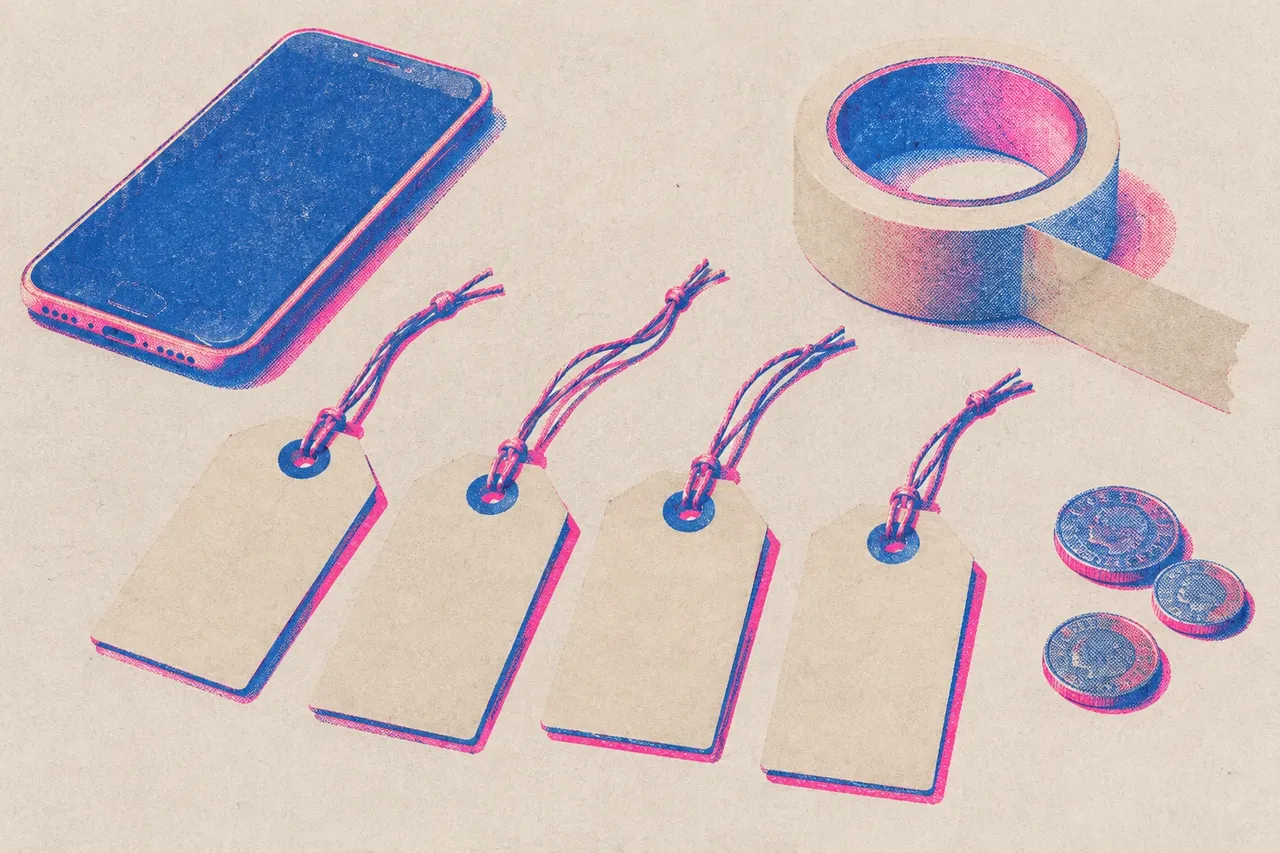
What can you spend?
Every plan on this site is sorted by money first. Pick the honest number, not the hopeful one.
- $0 Zero budget A phone, daylight, a friend who owes you one. More good videos start here than anywhere else. 6 plans
- <$50 Under $50 One cheap light, a phone mount, maybe a month of an app. Enough to look deliberate. 2 plans
- <$500 Under $500 A proper shoot day: a location, a few hands, someone who knows a camera. 2 plans
- $500+ Over $500 Paying a videographer or a director. How to brief them so the money shows. 2 plans
How to pick your number
Count what you can lose without it hurting the release, not what you could scrape together. Then hold back about a third of it for after the shoot: the edit, a Spotify Canvas, and the short clips you post in the month after release day. A great shoot with no money left for finishing is the most common way a budget gets wasted.
What changes as the budget goes up
At $0 you trade money for time and favours: your phone, a window, a friend, an afternoon. Under $50 buys control: one lamp, a phone mount, maybe a paid export. Under $500 buys a day: a room, food for helpers, perhaps someone who knows a camera. Over $500 buys other people’s skill, and the plan becomes about briefing them well.
Not sure yet?
If the release is days away, skip the budget question and go to release week. If you want to choose by method first, see the six approaches.
Frequently asked questions
Can I make a music video with no budget?
Yes. A phone, daylight from a window, a friend to press record and a free editor like CapCut or DaVinci Resolve are enough for a lip-sync performance video. Plan an afternoon.
What does a $50 music video budget buy?
Usually one cheap lamp, a phone clamp or mount, and maybe one paid export or a month of an app. It is enough to make a phone video look deliberate, not to hire anyone.
Should I spend my whole budget on one video?
No. Keep some back for the edit, a Spotify Canvas and the weeks after release day, when short clips keep the song in front of people.