03 / 07 Editing

DaVinci Resolve: the free editor that goes all the way
A free professional editor with colour grading and audio tools, for Mac, Windows and Linux.

Good for
- The free version is a full professional editor
- Colour grading that makes phone footage look intentional
- Exports up to 3840 x 2160 at 60 fps for free
- Studio is a one-off purchase, not a subscription
Watch out for
- Desktop only: Mac, Windows and Linux
- A lot to learn for a first edit
- Wants a reasonably capable computer
Screenshots
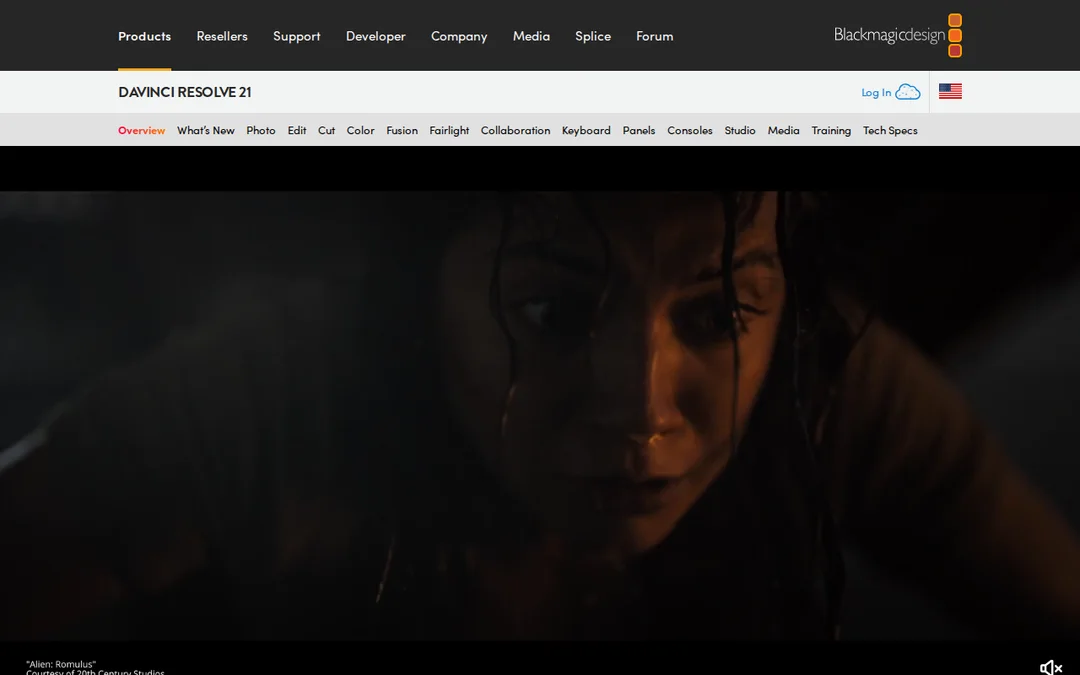
Features
- Editing timeline
- Colour grading
- Fairlight audio
- Free up to 4K at 60 fps
What it is
DaVinci Resolve is a professional editing, colour and audio program from Blackmagic Design. The base version is free and runs on Mac, Windows and Linux.
When we would use it
When the footage deserves more than a phone edit. Resolve’s colour tools are the reason: a quick grade makes three different phone setups look like one video. The free version exports up to 3840 x 2160 at up to 60 fps, which is more than any release needs.
When we would not
For a 15-second Reel cut on the bus, it is too much. Use CapCut. If you have never edited before and the song is out this week, Resolve is not the week to learn.
What it costs
Free. DaVinci Resolve Studio is a one-off purchase listed at $236 (was $295) on the product page, and adds the DaVinci AI Neural Engine and frame rates up to 120 fps.
Frequently asked questions
Is DaVinci Resolve really free?
Yes. The base DaVinci Resolve is a free download for Mac, Windows and Linux, and exports up to 3840 x 2160 at up to 60 fps. The paid Studio version adds the DaVinci AI Neural Engine and higher frame rates.
Should I use DaVinci Resolve or CapCut for my music video?
CapCut is quicker for a short phone edit. Resolve is better when you want careful colour and a longer edit on a computer, and it costs nothing.