04 / 07 Lyric videosEditing

Kapwing: subtitles and lyric overlays in the browser
A browser video editor with auto subtitles, for lyric overlays and captioned clips.

Good for
- Auto subtitles on the free plan, up to 10 minutes
- Works in a browser, nothing to install
- Pro removes the watermark and exports in 4K
Watch out for
- Free exports carry a watermark and stop at 720p
- Free videos are capped at 4 minutes
- No free trial of the paid plans
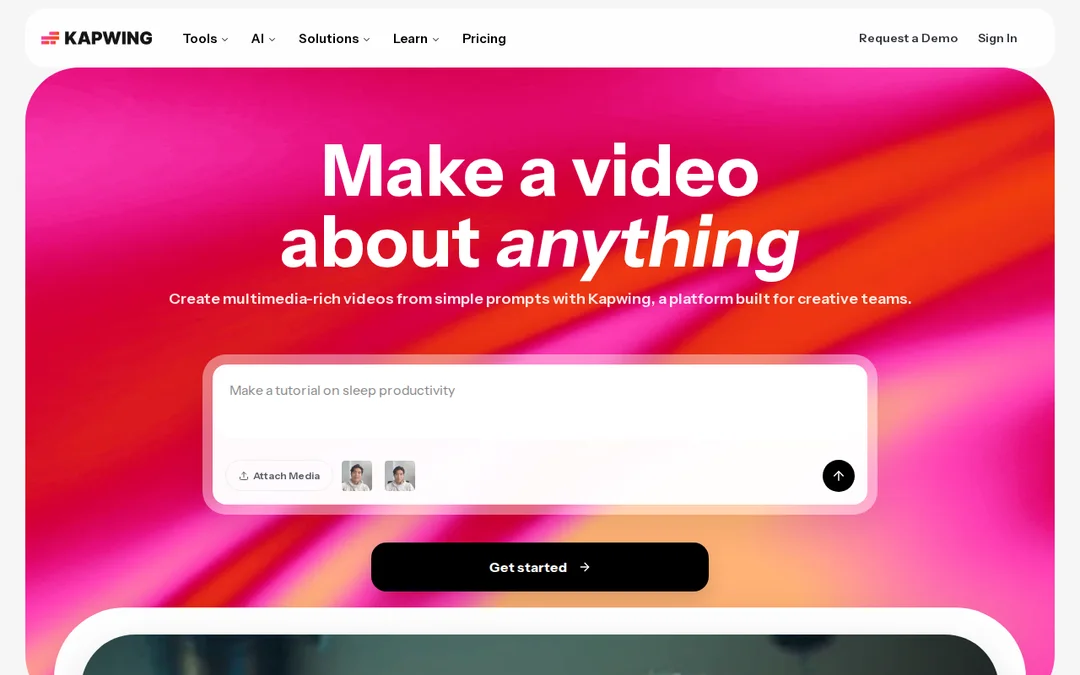
Screenshots
Features
- Auto subtitles
- Browser editor
- 4K export on Pro
What it is
Kapwing is a video editor that runs in your browser and is built around subtitles. Upload the song or a clip, generate subtitles, then fix and style them.
When we would use it
For lyric overlays on Shorts and Reels, and for drafting a lyric video quickly so you can check the timing before you commit. The free plan’s auto subtitles cover up to 10 minutes.
When we would not
For the release itself on the free plan: exports carry a watermark and stop at 720p. If you want a free lyric video with no watermark, Canva on free elements gets you there. For cutting footage, use CapCut.
What it costs
Free with a watermark, 4 minute videos and 720p. Pro is listed at $16 with 1,000 credits a month, no watermark and 4K export; paying annually saves 33%. Kapwing says it does not currently offer a free trial of paid plans.
Frequently asked questions
Does Kapwing's free plan add a watermark?
Yes. Free exports are unlimited but carry a watermark, run up to 4 minutes and export at 720p. Pro removes the watermark.
Is Kapwing good for lyric videos?
It is quick for getting lyrics on screen because it is built around auto subtitles. Fix the transcription line by line, since sung words are often misheard.