07 / 07 Canvas and loopsLyric videos

Rotor Videos: stock-footage videos and Canvas, paid per export
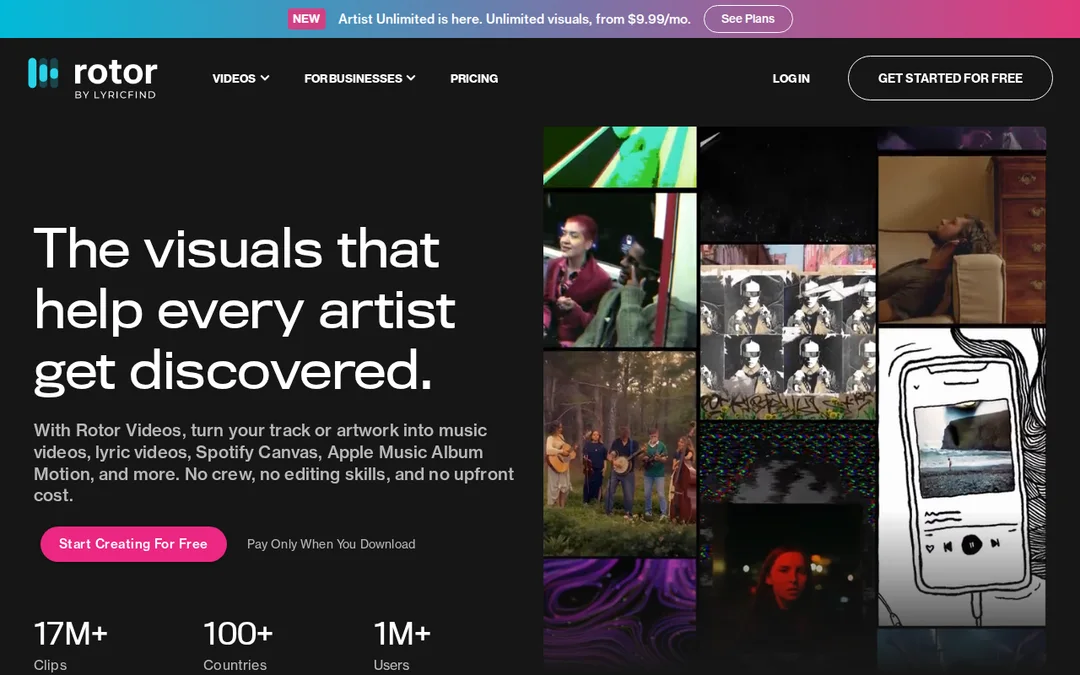
Licensed real footage edited to your track, plus lyric videos and Spotify Canvas. Free previews.

Good for
- Preview free as many times as you like
- Credits do not expire
- Exports are watermark-free
- Canvas, lyric videos and Apple Music album motion in one place
Watch out for
- Stock footage cannot show you
- A lyric video costs 4 credits, so it adds up
- Subscriptions are billed annually
Screenshots
Features
- Stock-footage music videos
- Lyric videos
- Spotify Canvas
- Apple Music album motion
- 9:16 and 1:1
What it is
Rotor Videos turns your track, or your artwork, into a video edited to its tempo and mood using licensed real footage. It also makes lyric videos, Spotify Canvas loops and Apple Music album motion.
When we would use it
When you need a Canvas and a YouTube video this week and neither will feature you. You can preview as often as you like and only pay when you download, which suits a tight budget.
When we would not
Stock footage looks real but it is somebody else’s world. If your song needs your face, shoot it on a phone (see the zero budget plans) or use Muzie and which puts a singer from your photo on screen.
What it costs
Credits: 1 for $9.99, 5 for $44.99, 10 for $79.99, 50 for $299.99. A Canvas is 1 credit, a music video 3, a lyric video 4. Subscriptions billed annually are $9.99, $14.99 and $19.99 a month for the Streaming, Video and Artist Unlimited Pro plans.
Frequently asked questions
How much does a Rotor Videos Canvas cost?
A Spotify Canvas costs 1 credit, and one credit is $9.99 on Rotor's pricing page. Bigger credit bundles cost less per credit, and credits do not expire.
Does Rotor Videos add a watermark?
No. Rotor says exported videos are completely watermark-free, and you can preview for free before you pay.