Zero budget Lyric videos Some effort120 min
Time a lyric video line by line in about two hours
A free, step-by-step way to time lyrics to your final master, fix each line by hand, and check it on a phone before release day.

What do I need before I start?
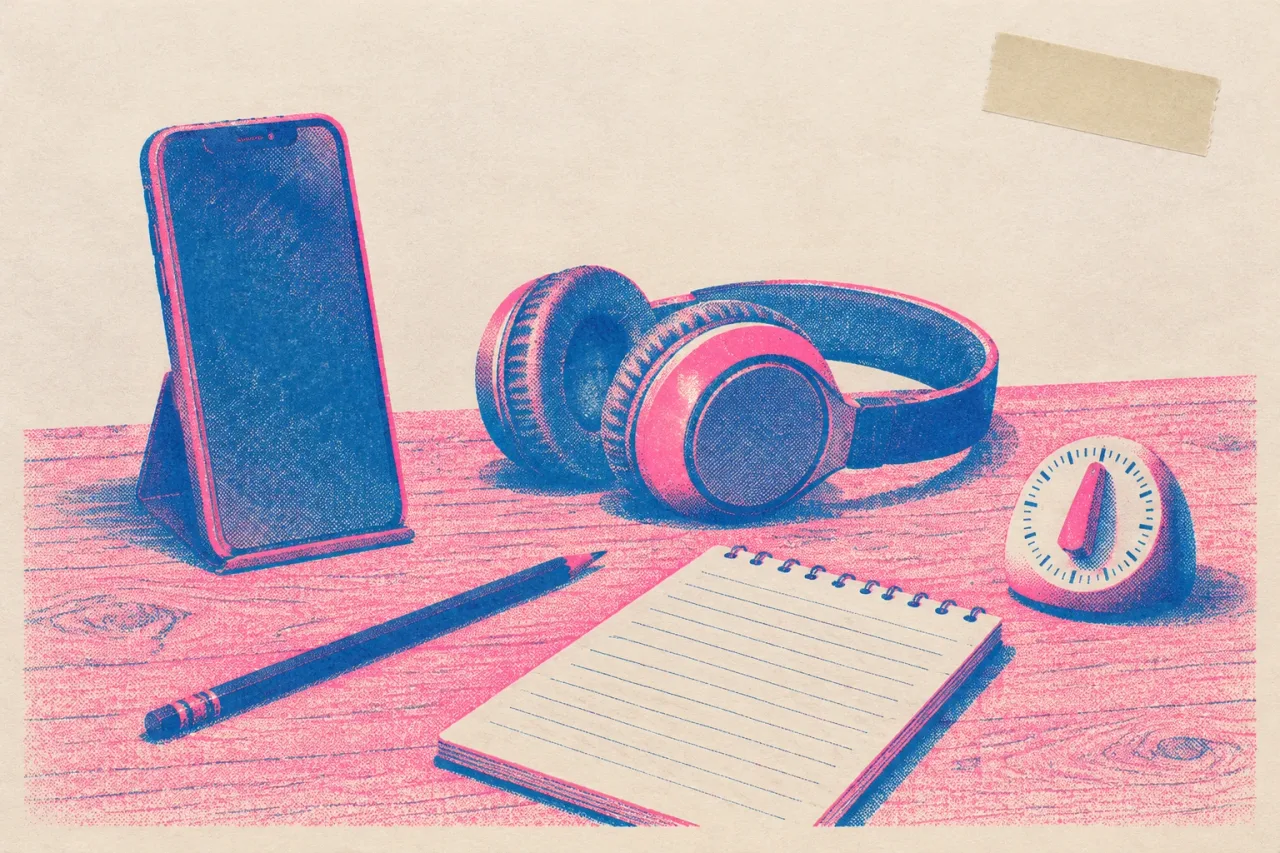
You need the final master, your lyrics, a phone, one free editor and about two hours. Use the final master and not a demo. If the mix or the song length changes after you time the lines, you redo every line. Use the same file you sent to your distributor.
- The final master audio file
- Your lyrics in a notes app
- A free editor: Canva, Kapwing or CapCut
- One background, such as cover art cropped to 1080 x 1920
- Your phone, for the last check
For a three-minute song, plan 15 minutes for setup, 20 for splitting lyrics, 10 for the first pass, 60 for hand fixes and 15 for the phone check and export.
How do I split lyrics into lines that fit a phone?
Give each screen one short line of about 6 words, and never more than two lines at once. A phone is narrow. A long line shrinks until nobody can read it in a glance. Break where you would breathe, not where the rhyme lands. Put each line on its own row in your notes. A three-minute song often comes out near 40 lines.
Write the chorus once and copy it, so it reads the same every time it comes back. Give ad-libs like “oh yeah” their own short card, or cut them. If a line runs past 8 words, split it at the nearest breath.
What should I let auto captions do?
Let auto captions place a rough first draft, then treat every line as wrong until you have checked it. Canva generates and styles captions in one click, and its free plan exports with no watermark as long as you use free elements. Kapwing creates auto subtitles on its free plan, but free exports carry a watermark and top out at 720p. CapCut also has auto captions and a free plan.
For zero budget, start in Canva. Use Kapwing or CapCut if you already know them. Sung vocals are hard to transcribe, so expect misheard words and lines cut in odd places. The value is that every line already has a start and an end.
How do I fix every line by hand?
Work through the song in order, one line at a time, with headphones on. Eyes read faster than ears hear, so a line that appears exactly on the sung word feels late. Start it a fraction early instead.
- Put the master on the timeline and the background behind it at 9:16.
- Run auto captions.
- Type your own lyric line over each wrong caption, one row per caption.
- Drag each line to start about a tenth of a second before the singer begins it.
- End each line as the last word fades, before the next one begins.
- Do the first chorus fully, then the verses, then check the later choruses against it.
Expect about 60 minutes for 40 lines.
How do I check it on a phone?
Export the video, move it to your phone and watch the whole song at arm’s length with the volume up. A laptop screen hides problems. At arm’s length you find out which lines are too small to read in one glance and which ones arrive late. Hold the phone about as far away as a listener would.
Keep a note of the time of each problem as you watch, and do not pause to fix anything yet. Then fix them all in one batch and export again. Two exports are normal. Kapwing’s free 720p export is fine for this check, even with the watermark, because you are checking timing and size.
What do I do when it goes wrong or I run out of energy?
Stop after the first chorus and come back in 20 minutes. Timing by hand is tiring, and tired ears place lines late. Work in blocks of 10 lines with a short break between them.
If every line after one point is off by the same amount, the audio is probably not the final master, or it was trimmed. Swap in the right file and slide all the lines together.
Common mistakes:
- Three or more lines on screen at once
- Small text over a busy photo
- Timing to a demo, then remastering
If a line will not sit right, shorten the words on screen and keep the sound as it is. Viewers forgive a trimmed caption faster than a late one.
How do I make the next one faster?
Save the project as a template and keep your lyric lines in a text file. Your font, size, position and background are already set, so the next song only needs new text and new timing. Write the line breaks while you finish the song, and you can paste them in the day the master is signed off.
A vertical video also works on YouTube Shorts, which can run up to 3 minutes. If you plan to do this for every single, a Canva template in a Shorts size saves the setup time. The 60 minutes of hand fixing stays, and that hour is why the video looks good. Give it a fixed slot in your release plan, a week before the date.
Frequently asked questions
Can I make a lyric video for free?
Yes. Canva's free plan exports with no watermark as long as you use free elements. Kapwing's free plan adds a watermark and exports at 720p.
How early should each lyric appear?
About a tenth of a second before the word is sung. Lines that land exactly on the word tend to feel late, so give the eye a small head start.
How many words should be on screen at once?
Aim for one line of about 6 words, and never more than two lines. If a line runs past 8 words, split it at a breath so it stays readable on a phone.
Can I trust auto captions to time the lyrics?
Use them as a first pass only. Sung words are often misheard and lines get cut in the wrong places, so check and fix every line by hand.
How long does a lyric video take to time?
Plan about two hours for a three-minute song. That is roughly 15 minutes of setup, 20 on lines, 10 on the first pass, 60 on fixes and 15 on the phone check and export.