
I don't want to be on camera in my music video
A fixed plan for a music video with no face in it: hands, lyric objects, a lyric video, a visualizer, then paid options. About four hours, in order.
The steps
- 01
Film your hands and instrument 30 min
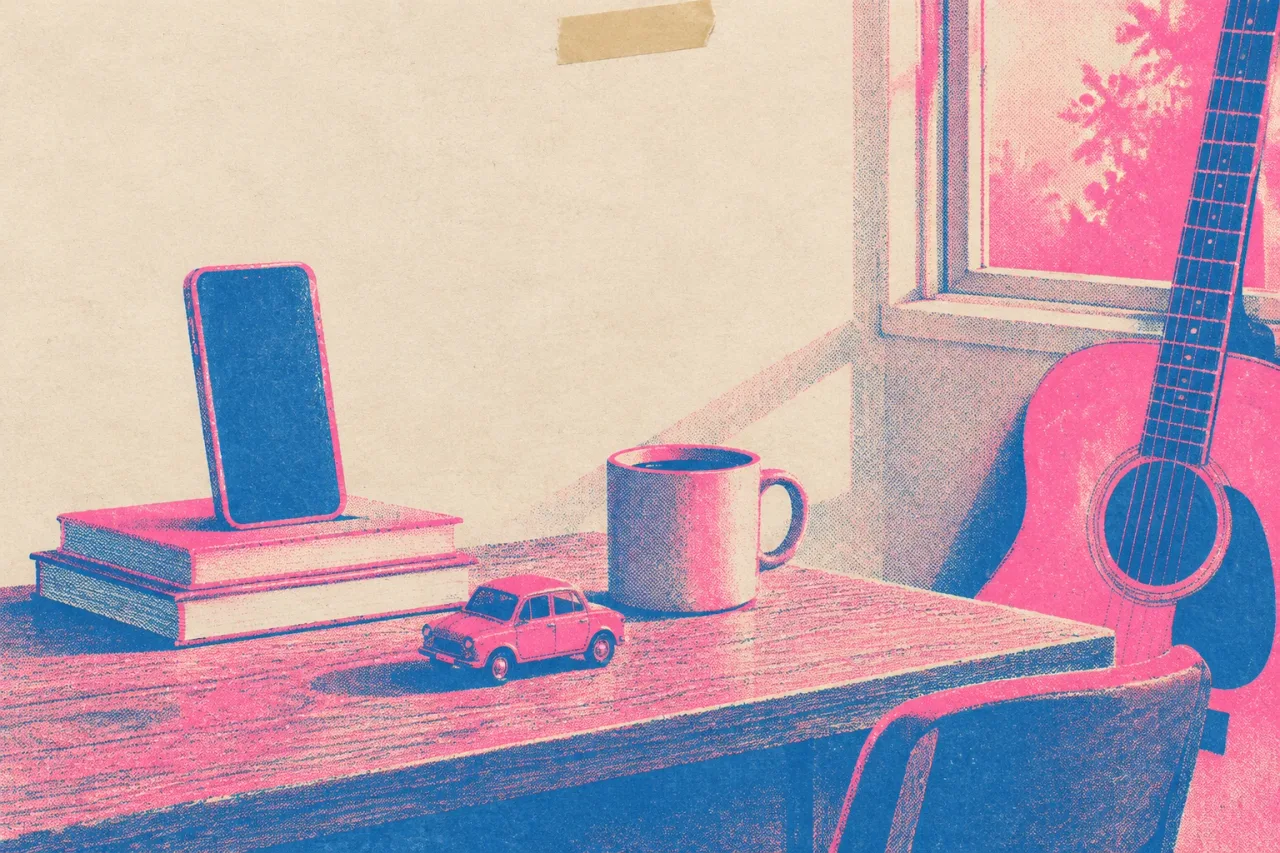
Prop your phone upright on a stack of books and play the song on a speaker. Film your hands on the keys, strings or pads, starting with the chorus. Do three takes of 30 seconds. Keep your face out of the frame and skip fancy camera moves.
- 02
Film objects and places from your lyrics 40 min
Reread your lyrics and list every object or place you sing about, like a car, a kitchen window or a streetlight. Film each for 5 to 10 seconds, steady and vertical. Use places you own or have permission to be in. Skip readable signs and strangers' faces.
- 03
Put the lyrics on screen 60 min
Lay your lyrics over the footage from steps 1 and 2, or on a plain color. Canva has video templates in Reels and Shorts sizes and exports MP4. Time each line to the vocal. Pick one font and two colors, and skip animation.
- 04
Make a visualizer from your cover art 20 min
If the lyric video feels wrong, use your cover art as the picture and let the full song play under it. This is a visualizer. Export it 16:9 for YouTube. Skip effects you cannot finish today.
- 05
Ask a friend to stand in 40 min
Ask one friend to walk through the scenes or lip-sync the chorus for you. Get a simple written OK first. A text that says they agree to appear and you can post the video works. Film 20 second takes, and skip anyone who hesitates.
- 06
Try stock footage with Rotor Videos 25 min
Upload your track to Rotor Videos and preview the result as many times as you like before paying. A music video costs 3 credits, and credits start at $9.99 for 1. The footage is real and licensed, and none of it is you. Skip downloading until the preview fits the mood.
- 07
Try an AI singer last 25 min
Muzie turns one photo and your song into a video of that person singing. Use a photo of someone who agreed, or a drawing. New accounts get a few free tokens. Generated footage looks generated, so watch it through before posting.
When it goes wrong
Check for reflections
Mirrors, windows and dark screens can show your face. Turn them away, cover them with a cloth, or move the phone. Watch each take on your phone before you move on.
Do not pay first
Rotor Videos credits and Muzie tokens cost money. Do steps 1 to 5 before you spend anything, because a free lyric video or visualizer may be enough for release day.
Get the OK in writing
Anyone who appears, or whose photo you upload, should agree in writing. A text message works. Use only songs, places and footage you own or have permission to use. This is not legal advice.
Do not expect it to pass as filmed
Generated footage looks generated. Watch the whole video with sound before you post. If it feels off, go back to the lyric video in step 3 or the visualizer in step 4.
Why this order works
The list starts with footage that costs nothing and ends with footage a machine makes. Hands on keys and a car in the rain need only your phone and an hour. Each step after that costs more time or money, or looks less like something you made yourself. Stop at the first step that gives you a video you would post.
Hands and objects come first because they are yours and they match your lyrics. A lyric video comes before a visualizer because it gives a viewer something to read. The friend comes before stock footage because a real person who agreed beats a stranger in licensed clips. The AI step is last because generated footage looks generated, and you should see how far the free steps get you first.
For more on this, read make a music video without being on camera. If you reach step 3, time a lyric video line by line shows how.
What to leave for another day
Leave the band shoot and the hired videographer for the next single. Leave color grading, drone shots and a second location too. Leave the Spotify Canvas loop and the Shorts cuts until the main video exists, since you can cut them from it later.
Leave paid options until the free ones have failed you. Rotor Videos charges credits, and Muzie spends tokens once the free ones run out.
If a still of your cover art is all you want, turn your cover art into a free YouTube visualizer in about 20 minutes.
Tools that help
 Canva Lyric videos and artwork loops that match your cover A design tool with a video editor, captions, beat sync and templates in social sizes. Free plan Lyric videos
 Rotor Videos A Spotify Canvas or a stock-footage video without filming Licensed real footage edited to your track, plus lyric videos and Spotify Canvas. Free previews. Free plan Canvas and loops
 Muzie A performance video when there is no camera, no crew, or no wish to be filmed One photo and your song become a video of that person singing it. Free plan AI music videos
Related
 Under $50Some effort120 min
Make a music video without being on camera
A plan for a song video with no face on screen: phone footage first, then lyric, visualizer, stock and AI options, all under $50. Zero budgetSome effort120 min
Time a lyric video line by line in about two hours
A free, step-by-step way to time lyrics to your final master, fix each line by hand, and check it on a phone before release day. Zero budgetSome effort90 min
Turn your cover art into a free YouTube visualizer
Build a free YouTube visualizer from your cover art in about 90 minutes, with a slow push in, a looping element and a 9:16 cut.Frequently asked questions
Do I have to be in my own music video?
No. Many videos use hands, objects, lyrics on screen or a visualizer. This plan gets you a finished video in about four hours without your face in it.
Can I make a music video with only my hands and instruments?
Yes. Prop your phone on a stack of books, play the song on a speaker, and film your hands through the chorus first. Do three takes of 30 seconds and cut them to the song.
Is a lyric video enough for a first single?
A lyric video is a fair first video if you want to stay off camera. It gives viewers the words to follow, and step 3 of this plan takes about 60 minutes. You can add a performance video with the next single.
Can AI make a music video of someone singing my song without filming?
Yes. Muzie turns one photo and your song into a video of that person singing, lip-synced and cut to the lyrics. Use a photo of someone who agreed, or a drawing. The footage looks generated, so watch it through before you post.