
I release Friday and have no video
A four-day plan for a Friday release with no video: film the chorus on a phone, cut a short clip and a Canvas, and post the clip on Thursday.
The steps
- 01
Set up by the window 15 min
Stand or sit facing a window, with the light on your face and no lamp behind you. Prop the phone vertical at chest height on a stack of books. Turn off overhead lights. Skip the tripod hunt, the outfit change and any second location. One setup is the plan.
- 02
Film the chorus tonight 40 min
Play the song in one earbud and sing the chorus along to it, at least 10 takes. Film each take start to finish. Then film 20 seconds with no singing, such as your hands, the window and your shoes. Skip the verses. The real track goes on tomorrow.
- 03
Cut a 15 to 30 second clip 45 min
Open CapCut or Canva and set the project to vertical 9:16. Drop in your best take, lay the real chorus under it and line up the lips by ear. Trim to 15 to 30 seconds. Add captions if you like. Skip effects and transitions.
- 04
Make the Canvas loop 25 min
Take 3 to 8 seconds of your no-singing footage and export it vertical 9:16, 720 to 1080 pixels tall, as MP4. Spotify advises against singing and rapid cuts, so use one slow shot. Skip flashing effects. Check that the end can run back into the start.
- 05
Upload the Canvas 10 min
Upload the Canvas to your release on Spotify as soon as it is exported, and no later than Thursday. Play the loop once first to check it. Skip leaving it for Friday morning, when a bad file leaves you no time to fix it.
- 06
Post the clip on Thursday 10 min
Post the 15 to 30 second clip on Thursday, the day before release. Put the song name and the word Friday in the caption. Post the same file to Reels, TikTok and Shorts that afternoon. Skip making separate edits for each.
- 07
Book the full video for later 15 min
Choose a date within two weeks after release for the full video and put it in your calendar. Decide whether it will be a performance, a lyric video or a visualizer. Skip starting any of it this week. Friday needs the clip and the Canvas only.
When it goes wrong
Singing in the Canvas
Spotify advises against footage of singing or rapping in a Canvas. Use the hands, window or shoes footage you filmed for it, and keep to one slow shot.
Window behind you
Backlight turns your face into a dark shape. Turn around so the window is in front of you or off to one side, and check the first take before you film nine more.
Leaving the edit to Thursday
A first edit tends to run long. Cut the clip the day after you film, so Thursday is for posting and nothing else. If it is Tuesday now, cut straight after filming.
Camera dread
If you cannot face the camera tonight, Muzie can turn one photo and your song into a video of that person singing it. Use a photo you own or have permission to use.
Why this order works
Filming comes first because it is the step you cannot rush on Thursday. One chorus, one window and ten takes gives you two things: the clip with singing and the silent footage for the Canvas. You cut the next day, when the takes look fresh. The Canvas goes up before Friday, so release day is not a day of uploads. The clip goes out on Thursday, so the song has a face the day before it lands. All of it adds up to about 2 hours 40 minutes across four days.
For the window, see light a phone music video with a window and one lamp. For the loop, see make a Spotify Canvas loop from footage you already have.
What to leave for another day
Leave the full video, the verses, a second location and any wardrobe plan until after release. Should the music video come out on release day or after covers why a later video is fine.
If your own footage does not work for the Canvas, Rotor Videos makes a Spotify Canvas for 1 credit, and a single credit is $9.99. If anyone else appears in your clip, get a simple written OK from them first. This is not legal advice.
Tools that help
 CapCut Cutting a phone shoot together and adding captions A free editor on phone, desktop and web, with auto captions and beat-synced edits. Free plan Editing
 Canva Lyric videos and artwork loops that match your cover A design tool with a video editor, captions, beat sync and templates in social sizes. Free plan Lyric videos
 Rotor Videos A Spotify Canvas or a stock-footage video without filming Licensed real footage edited to your track, plus lyric videos and Spotify Canvas. Free previews. Free plan Canvas and loops
Related
 Zero budgetSome effort150 min
Cut one shoot into 12 Shorts and Reels for release month
A 45-minute shoot, 90 minutes of editing and a four-week posting plan that turns one song into 12 vertical clips after release.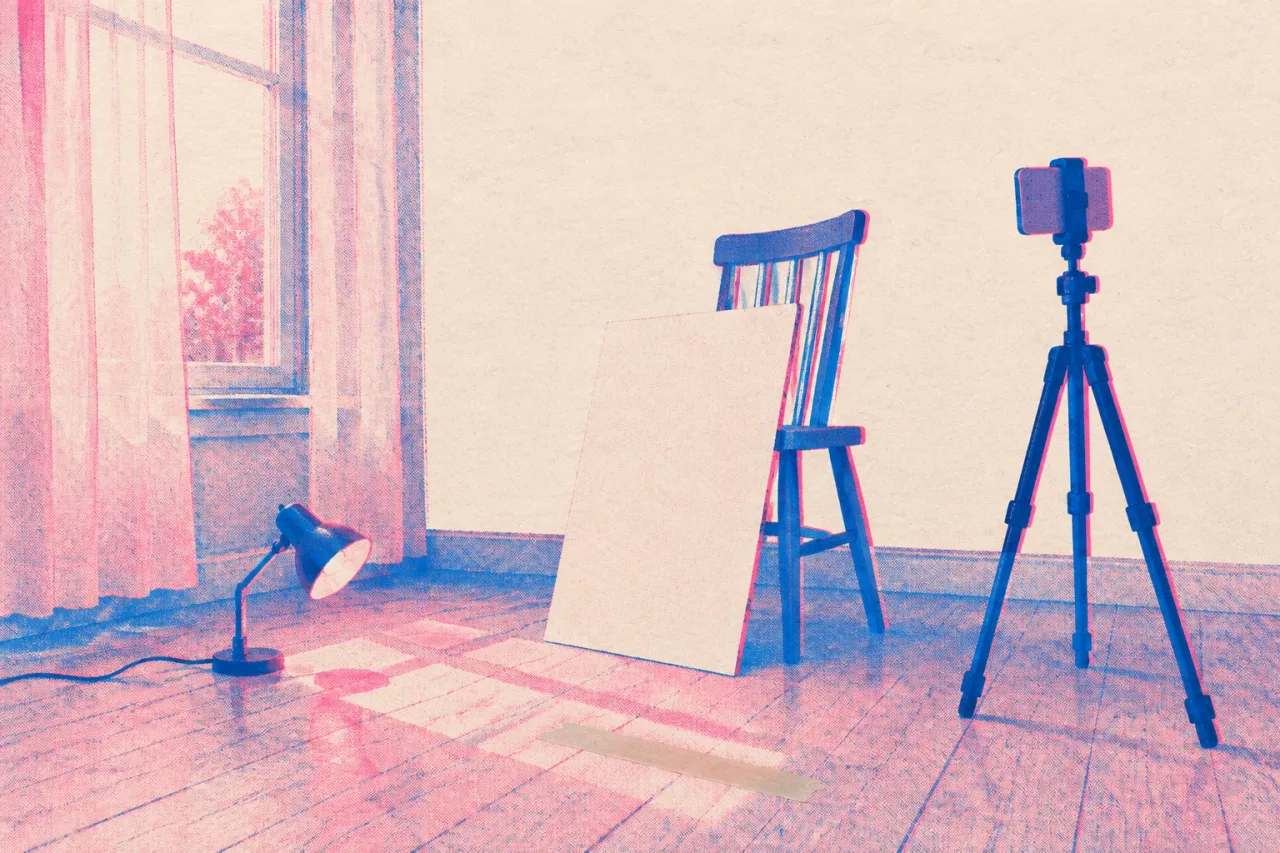 Under $50Low effort45 min
Light a phone music video with a window and one lamp
A 45-minute lighting setup for a phone music video: window light, a white bounce, one cheap lamp, and locked exposure. Zero budgetLow effort30 min
Make a Spotify Canvas loop from footage you already have
Turn a clip from your camera roll into an 8 second Spotify Canvas that loops. Specs, steps and fixes, in about 30 minutes.Frequently asked questions
Can I release a song on Friday without a music video?
Yes. The song goes out whether or not a video exists. A short vertical clip and a Spotify Canvas cover release day, and the full video can follow within two weeks.
How long should the clip for release week be?
Aim for 15 to 30 seconds, vertical, cut from your best chorus take. YouTube Shorts are vertical and can run up to 3 minutes, but a short chorus clip is all this plan needs.
What can go in a Spotify Canvas?
A Canvas is 3 to 8 seconds, vertical 9:16, between 720 and 1080 pixels tall, as MP4 or JPG. Spotify advises against footage of talking, singing or rapping, and against rapid cuts and intense flashing.
Do I have to be on camera for the Friday plan?
The clip has you singing the chorus, but the Canvas can be hands, a window or your shoes. If you will not film yourself at all, read [make a music video without being on camera](/guides/make-a-music-video-without-being-on-camera). Anyone else who appears should give you a simple written OK.