Under $500 Release timing Some effort45 min
Split a $300 video budget across your whole release
A fixed plan for spending $300 on one song: a shoot day, an edit, a Canvas and a small reserve, with dates counted back from release.

How should I split $300?
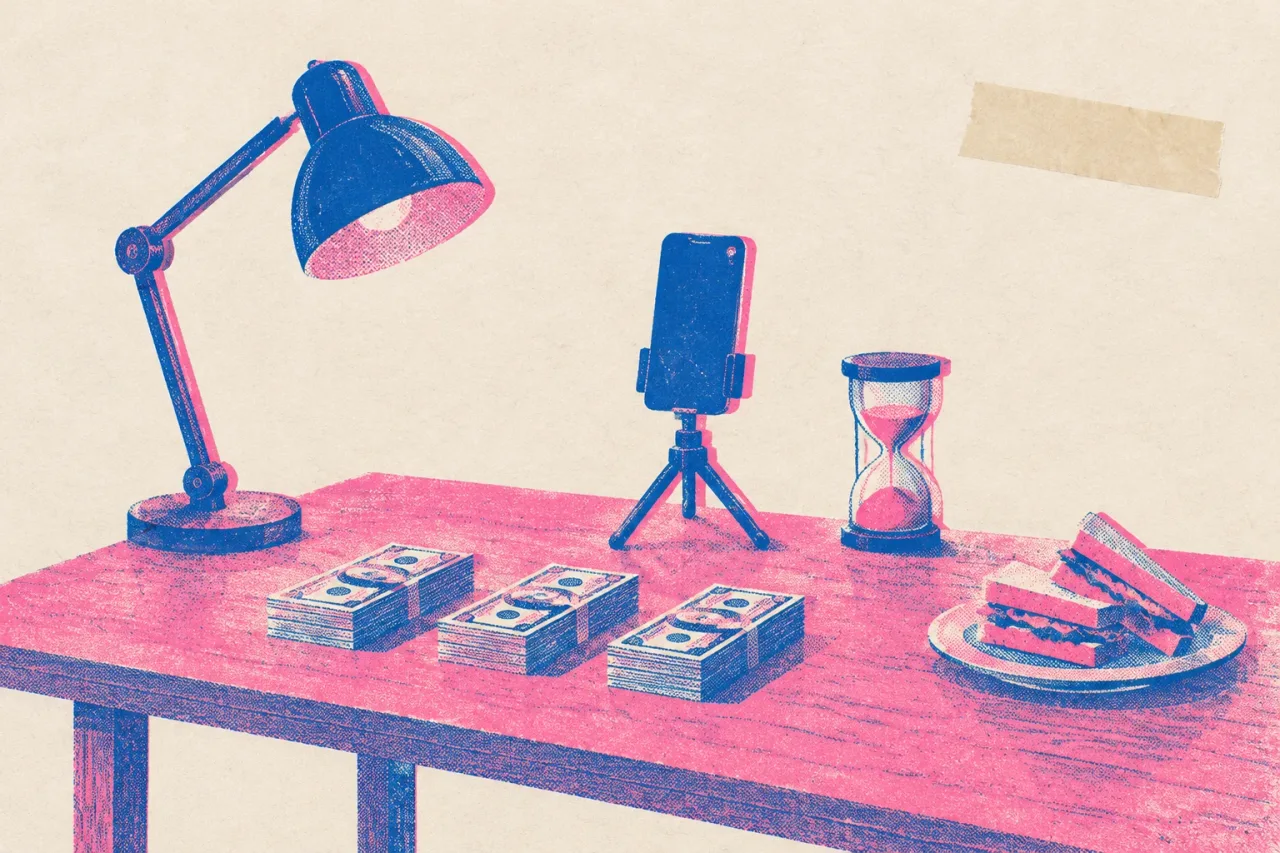
Put about 60% on one shoot day, 20% on the edit and a Canvas, 10% on a reserve and 10% on boosting. On $300 that is $180, $60, $30 and $30.
- Shoot day, $180: a location, a lamp or two, food for whoever helps, and maybe a paid camera operator for three hours.
- Edit and Canvas, $60: paid help with the cut, a Canvas made for you, or both if the prices are small.
- Reserve, $30: for the thing that breaks, such as a bad take or a second hour in a rented room.
- Boosting, $30: held until after release.
Do not spend the whole $300 on day one. Great footage with a rushed edit wastes the $180. Holding back $120 keeps money alive for the weeks after the shoot, which is when most of the work of getting people to watch happens.
What do I need before I start?
You need a finished master of the song, a release date and a list of what you already own. Check these before you spend a dollar.
- The final master, so the video is cut to the real song
- A release date written on a calendar
- A phone that shoots vertical video
- One friend who will hold it steady
- A short list of anything you can lend yourself: lamps, clothes, a room
Now count back from release day. Four weeks out is the shoot. Ten days out is the locked edit. That leaves about two weeks of slack for one reshoot and for Canvas and clip files, which is more room than most people give themselves.
What can I borrow instead of buy?
Borrow the location, the light and the camera operator first, because those eat the shoot budget fastest. Ask a friend with a bright living room. Ask a bar owner whether you can have the room on a Monday afternoon. A rehearsal space you already use costs nothing to ask about.
For light, a big window in the late afternoon and one lamp you own will do the work of a rented kit. For an operator, a friend with steady hands and a decent phone is enough. Pay them in a hot meal and a thank-you in the video description.
Get a simple written OK from everyone who appears and from whoever owns the location. A text that says they agree to be in the video for this song works as a record. This is not legal advice. Every borrowed item is dollars moved to the reserve.
What are the steps, in order?
Do these seven steps in this order. Steps 1 to 4 take about 45 minutes.
- Write the list: one video, one Canvas, five vertical clips (10 minutes).
- Mark each cost as borrow or buy (10 minutes).
- Put dollars in four buckets: $180, $60, $30, $30 (10 minutes).
- Book one three-hour shoot, four weeks before release, and collect written OKs (15 minutes).
- On the day, shoot three takes of the chorus first, then verses, then 20 seconds of slow shots with nobody singing.
- Lock the edit ten days before release and export your Canvas and clips.
- Release. Wait two weeks, then put the last $30 behind the clip people already watched.
One fixed plan beats a menu. If a step slips, move the whole line later by the same number of days instead of skipping the edit.
How do I spend the $60 on the edit and Canvas?
Spend the $60 on finishing, and cut the video yourself in a free editor if your time costs less than money. CapCut has a free plan with basic editing tools. DaVinci Resolve is a free download for Mac, Windows and Linux.
For the Canvas, Spotify’s spec is 3 to 8 seconds, vertical 9:16, between 720 and 1080 pixels tall, as MP4 or JPG. Spotify advises against footage of talking, singing or rapping and against rapid cuts and intense flashing. So build it from your slow shots with nobody singing.
If you want one made for you, Rotor Videos charges 1 credit for a Spotify Canvas, and one credit costs $9.99. That leaves most of the $60 for fixes. YouTube Shorts are vertical and can run up to 3 minutes, so five short clips from the shoot day all fit.
What if the shoot goes wrong or I run out of energy?
Stop, keep the chorus, and use the $30 reserve to fix only that. This is why the chorus goes first. If you have three usable takes of it after the first hour, you can cut a full video from the chorus plus your slow shots.
When energy drops, stop at two hours and book a short second session instead of forcing a third. A rented room for one more hour is what the reserve is for.
If the footage is unusable or you cannot face the camera again, Muzie turns one photo and a song into a lip-synced video of that person singing. A token pack is $29.99 with no subscription, which fits inside the reserve. It does not edit footage you already shot, so keep CapCut for that.
Which mistakes waste the money, and how do I make next time easier?
The costly mistakes are paying for everything on day one, buying gear before booking the shoot, and boosting before you know what people watch. Each one burns money you cannot get back.
To make the next release easier, keep what worked. Reuse the same borrowed room, the same lamp and the same friend, and write down which slow shots made the best Canvas. Save your written OKs in one folder.
If the last $30 did nothing, note which clip you backed and skip that style next time. Plan the following release the same way: four buckets, a shoot four weeks out, and a dated list. The second time through takes about 20 minutes, because the list already exists.
Frequently asked questions
Is $300 enough for a music video?
It is enough for one simple shoot day and a finished edit if you borrow the location, light and operator. It does not guarantee any number of views. Plan one video, one Canvas and a handful of clips, not a big production.
Should I pay a videographer out of the $180?
What people commonly pay varies a lot by city, so ask for a quote for three hours of shooting before you decide. If the quote is more than the $180 bucket, borrow a friend with a phone or shoot it yourself instead.
When should I spend the $30 boost money?
Two weeks after release, on the one clip people already watched. Before release you have nothing to learn from. Spending it then means paying to guess.
Can I make a Spotify Canvas for free?
Yes. Cut 3 to 8 seconds of slow footage in a free editor such as CapCut and export it vertical 9:16 as MP4. Spotify advises against singing footage and rapid cuts, so use shots with nobody singing.
What if I do not want to be on camera at all?
Muzie turns one photo and a song into a lip-synced video of that person singing, so you can put a singer on screen without filming. A $29.99 token pack with no subscription fits inside the $30 reserve. The 3D visualizers are free for everyone.