
Visualizer
Also called: music visualizer, audio visualizer, album art video
What it means
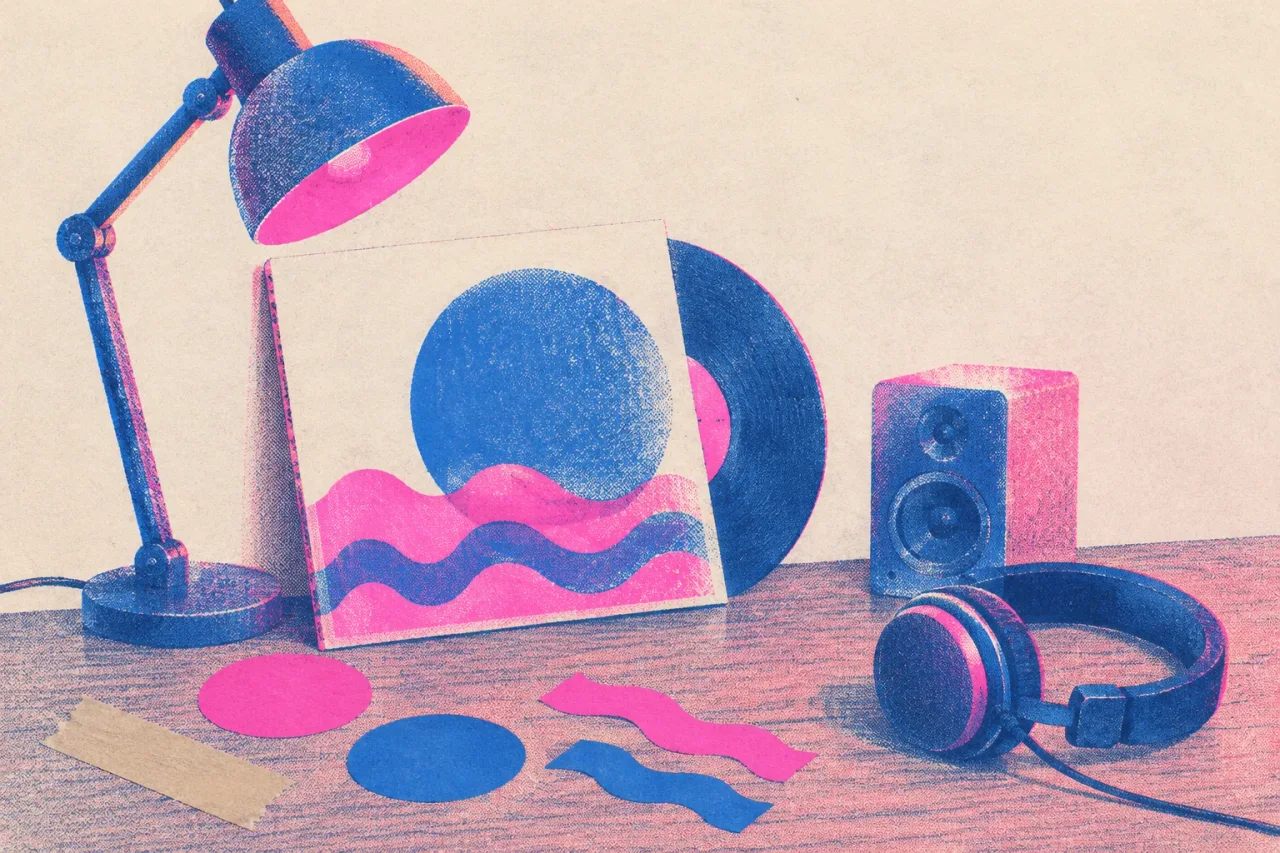
A visualizer is a video for a song that runs on artwork and motion. Nobody sings to camera and nothing happens in a story. You see a cover image, a loop, a texture or a set of shapes, and the song plays underneath.
Some visualizers react to the audio. A shape swells on the kick drum and shrinks in the quiet parts. Others are a still image with a slow zoom. Both count.
What it looks like
On YouTube, a lot of album tracks sit under a visualizer. You might find a cover painting that drifts for three minutes, a 3D scene where one object pulses on every drum hit, or a block of color that shifts with the bass line.
For an independent artist, a visualizer is the usual answer to a release with no budget and no wish to be on camera. It also gives every track on an EP its own video without nine shoot days.
What tends to help
Start from the cover art. The video should look like it belongs to the same release as the artwork.
Match the speed of the motion to the song. A slow ballad wants a slow drift. Save the big movement for the chorus, and do not try to hit every beat in every bar.
If you want the cheapest route, the 3D music visualizers in Muzie are free for everyone. If you want AI visuals that pulse with the music, Neural Frames does that, and its plans start at $26 a month billed yearly.
If you want a singer on screen, a visualizer is the wrong video. Pick a performance video instead.
Where the term comes from
The word comes from music player software on computers, which drew moving patterns to the sound of whatever track was playing. Artists later borrowed the name for release videos built the same way.