
Playback
Also called: Lip-sync playback, Miming to the track
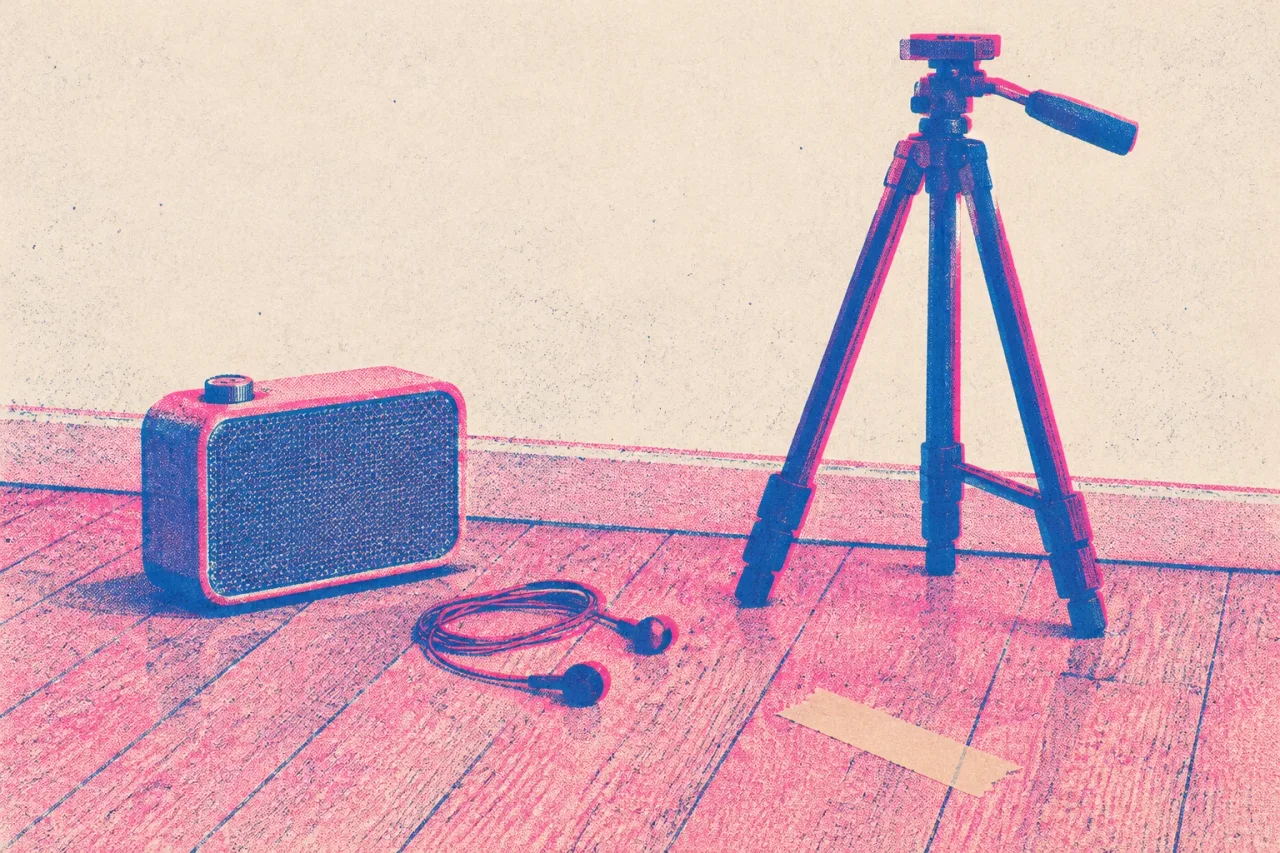
What playback means
Playback is playing your finished song out loud on set while you perform to it on camera. You sing or mouth the words in time with the track. Later, in the edit, the master recording replaces whatever sound the camera caught.
What it looks like on a shoot
A singer props a phone on a shelf, sets a speaker on the floor outside the frame, and starts the song from the top of the chorus. She does it four times, once from each angle. A rapper wears one earbud with the beat in it and leaves the other ear free, so he can hear the room. A band in a rehearsal room mimes along at low volume, and the drummer hits the snare where the record does.
Every take starts at the same point in the song. That keeps the mouth shapes matching from shot to shot.
What helps
Count in four beats before each take. Clap once at the start, hard and close to the phone. The clap shows up as a spike in the camera’s audio, and it gives you a mark to line up against the master.
Sing at full volume, even though the sound will be replaced. A whispered take changes how your mouth moves and looks wrong against the real vocal. Use a speaker instead of earbuds if you want the camera to hear the song, because that gives you something to match later.
In an editor such as CapCut, put the master on the timeline, slide the clip until the set audio matches it, then mute the clip’s own sound. Check the last chorus first, because any drift will be most obvious there.
Where the term comes from
Film musicals and TV shows have long had performers mime to a prerecorded track, and music videos picked up the habit. The word names the track being played back to the performer.